 popamp
Popamp on a Mac: a Winamp-style music player for macOS
Popamp, a free Winamp-style music player, now runs on the Mac. Version 1.1 is the first with a macOS download: one disk image for Apple Silicon and Intel Macs on macOS 12 or newer, with the same docking windows, equalizer, classic .wsz skins and media library as on Linux and Windows. The Mac version is new and experimental. Here is how to install it and what it can do so far.
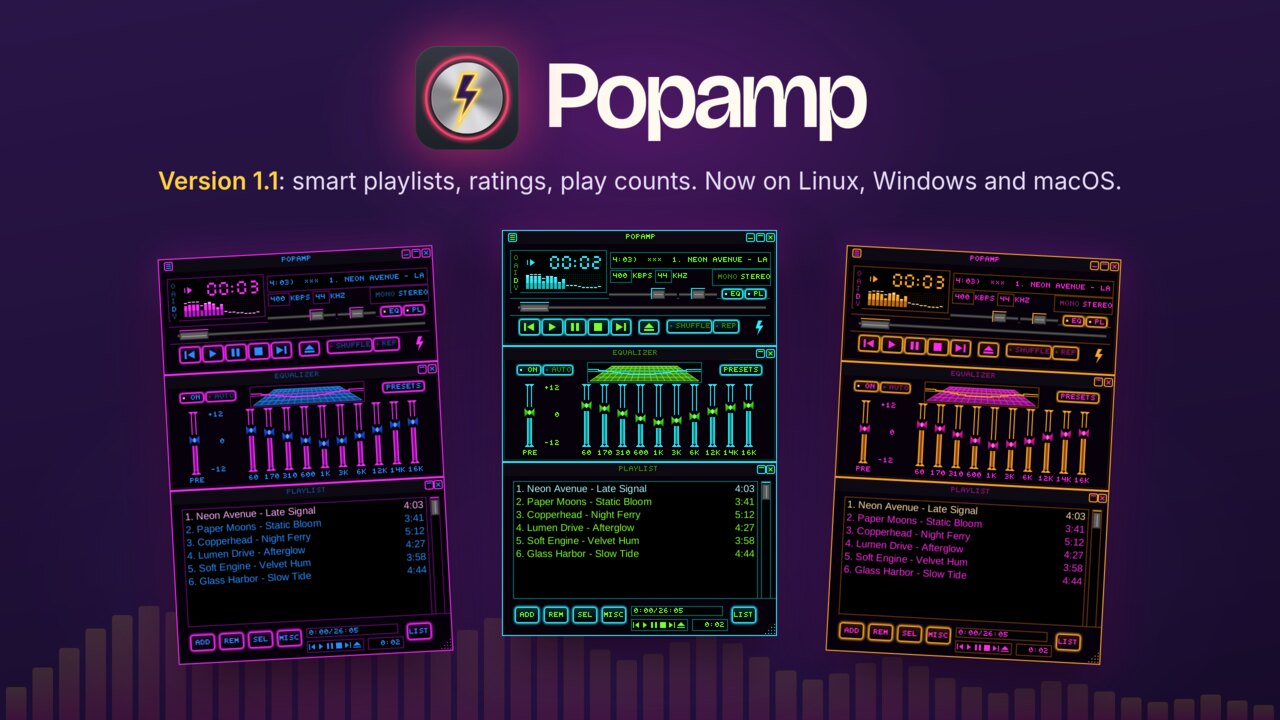
Install it
On the install page, choose the macOS tab. You can download either of two editions, each as one disk image:
- Popamp: the player on its own.
- Popamp Plus: the player with plug-ins.
Open the disk image and drag Popamp to Applications. You don't need to install anything else.
The downloads are not signed with an Apple Developer ID yet, so macOS refuses the first start. Open Popamp once and let macOS say it cannot check it. Then open System Settings › Privacy & Security, click Open Anyway and confirm. The button stays there for a while after that first try. On macOS 12 to 14 you can also Control-click Popamp in Applications and choose Open. macOS asks only once; later starts go straight through.
Made for the Mac, not just ported
Popamp is written in Rust and talks to macOS directly:
- Sound goes through CoreAudio.
- Popamp finds fonts through CoreText.
- The open and save dialogs are the Mac's own.
- The app carries what it needs inside it: the Opus decoder, the tracker module player and the SoundFont for MIDI.
The windows are laid out in points and drawn at the density of the screen they are on. So Popamp's vector skins stay sharp on a Retina display, even when a window moves between a Retina screen and an ordinary one.
Skins that are not rectangles keep their shape on the Mac too. Clicks outside the shape pass through to the window behind.
Mac keys
On a Mac, ⌘ does what Ctrl does on Linux and Windows, and Control-click is a right click. Where macOS already uses a key, Popamp follows it, and the menus show each shortcut the Mac way:
⌘Qquits.⌘,opens Preferences.⌘Wcloses a window and⌘Mminimizes it.⌫removes tracks from the playlist.⌘Vpastes links or files into the playlist.
The full table is in the usage guide.
Everything else is the same player
On the Mac, Popamp does everything it does on Linux and Windows:
- It plays classic Winamp skins, and Skins › Skin Museum finds and downloads them from inside the player (more in Winamp skins on Linux).
- Its own vector skins come from the skin gallery.
- It has a 10-band equalizer, gapless playback with ReplayGain, internet radio, and the media library.
- New in 1.1, the media library has ratings, play counts and smart playlists.
Settings, skins and plug-ins live in ~/Library/Application Support/popamp.
Not there yet
The Mac version is experimental. Some things that work on Linux and Windows are still missing on the Mac:
- No menu bar icon yet. The tray icon of Linux and Windows has no Mac counterpart so far.
- No Now Playing or media keys yet. macOS's media controls don't see Popamp yet.
- No global hotkeys yet. On Linux and Windows, Popamp's Ctrl+Alt shortcuts control playback from any program; on the Mac they do nothing yet.
- Toolbar mode keeps no room. The bar works, but macOS lets no program reserve a strip of the screen, so other windows can cover it. See toolbar mode for how it works elsewhere.
If the macOS build ever fails, a release goes out without it rather than waiting, so a Mac download can lag behind now and then.
Who made it
The Mac version is the work of Martin Kovachev (miraclebg). He built it step by step since mid-November: sound, fonts, Retina, Mac keys, shaped windows and the disk images. If something looks wrong on your Mac, please tell us in the issue tracker. Bug reports from real Macs are what the Mac version needs most now.
Popamp contains no Winamp code or artwork, and it is not affiliated with Winamp. Mac and macOS are trademarks of Apple Inc.